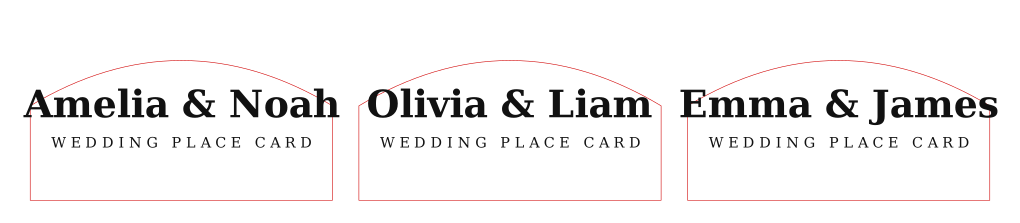
Keep the file at 1:1 scale. Red strokes are cut lines, black artwork is engraving or marking.
Guest-name batch tool
Pick a style, paste names, export SVG
A simplified wedding place card generator. Choose a visual template, paste names, then export a laser-ready SVG sheet with cut and engrave layers.
Confirm kerf, line color behavior, text size, and smoke marks before cutting the full sheet.
Start with one guest list first. Extra styles and notes are useful once the size and material are clear.