File basics
PNG vs SVG for laser engraving
Use PNG for pixels and photos. Use SVG when you need clean shapes, text, cut lines, or repeatable batch layouts.
The short answer
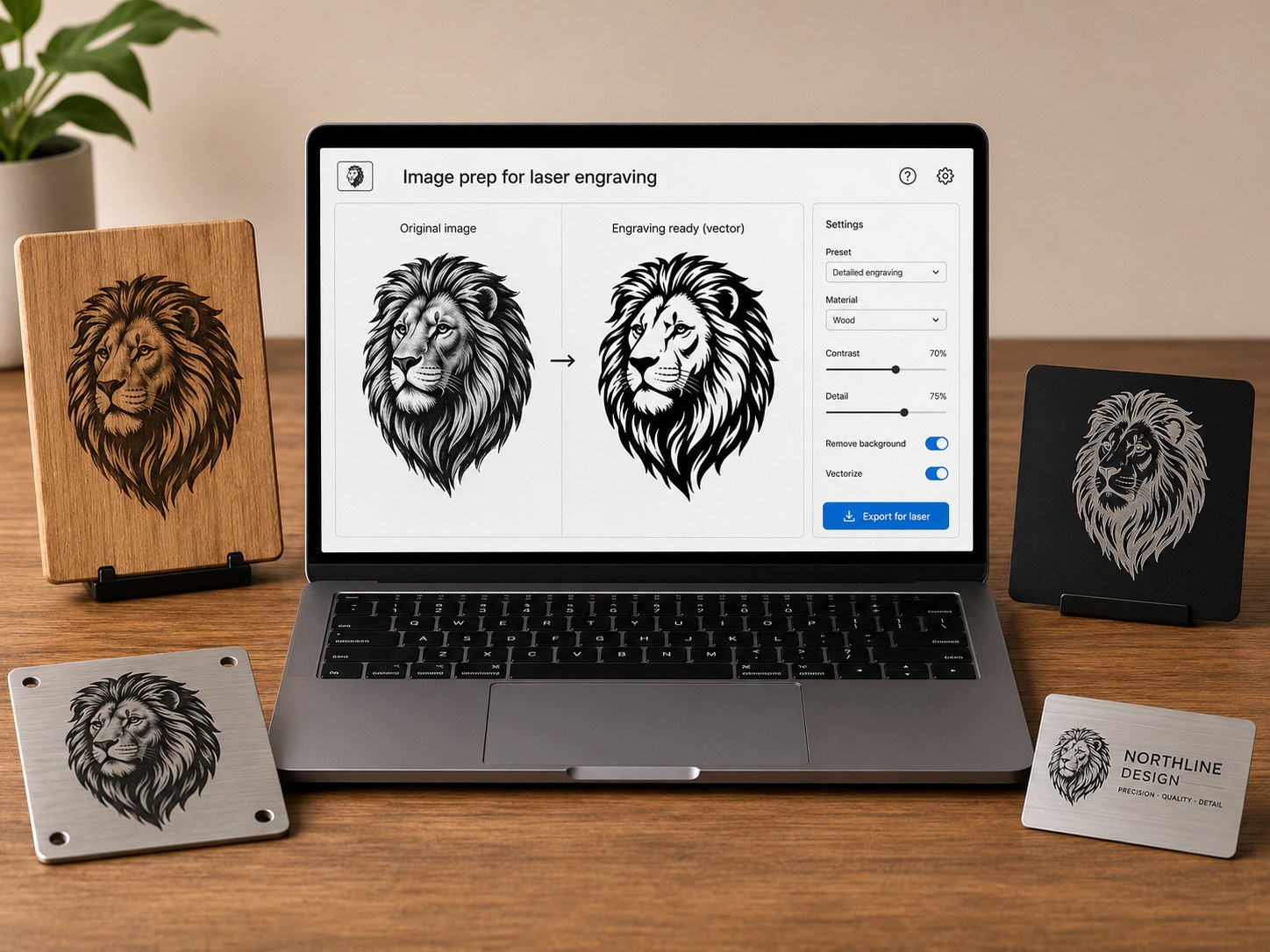
A PNG is a bitmap image. It is made of pixels. That makes it useful for photos, shaded artwork, screenshots, and preview images. An SVG is a vector file. It is made of shapes, lines, paths, and text. That makes it better for cut outlines, logos, names, serial labels, and repeatable production files.
When PNG is enough
Use PNG when the job is mostly engraving a photo, a shaded mark, or a simple customer image. The laser software will usually treat it like a raster engraving job. You still need to test contrast, resolution, material, and engraving settings.
When SVG is better
Use SVG when the file needs true size in millimeters, separate cut and engrave layers, repeated names, clean logo edges, or batch layout. For small shop jobs, SVG is usually easier to inspect before production because the shapes and lines stay editable.
Why red and black layers help
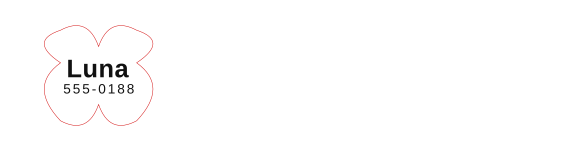
A common laser workflow is red stroke for cut or outline and black artwork for engraving or marking. Different software may remap colors, so always check the imported file. The point is not the color itself. The point is separating the operations clearly before running material.
A practical workflow
- Start with a known product size, such as a pet tag, label, or card.
- Put cut outlines and engraving artwork on the same SVG sheet.
- Import the SVG into your laser software at 1:1 scale.
- Assign your machine settings manually.
- Run one material test before a customer batch.
Download a sample SVG or open the pet tag generator to see how the layers are organized.
Open free tools Download sample SVG