Use an arch, rounded card, tent card, botanical card, or table-number layout.
Wedding laser seller tool
Turn a guest list into a laser-ready SVG sheet
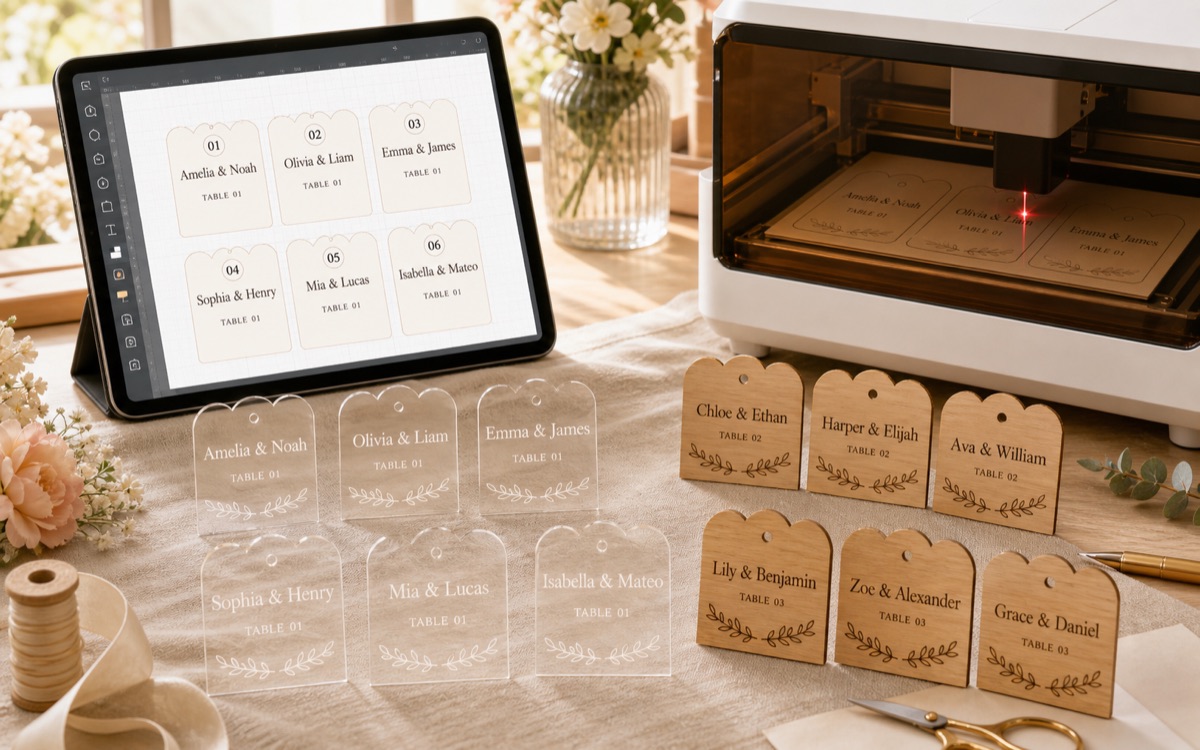
Paste names, pick a place card style, export SVG, then import the file into LightBurn, xTool Studio, EZCAD, diode, CO2, or compact galvo workflows.
Need polished seller files? View the style pack.
Paste names
Export SVG
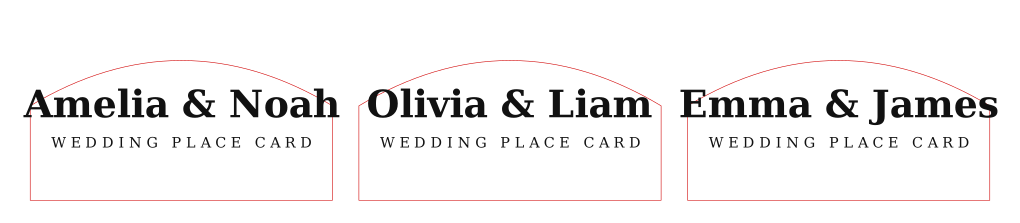
Red=cut
Black=engrave
Beginner workflow
Designed for one practical job
Paste names directly or import a CSV/TXT file, then preview the whole batch sheet.
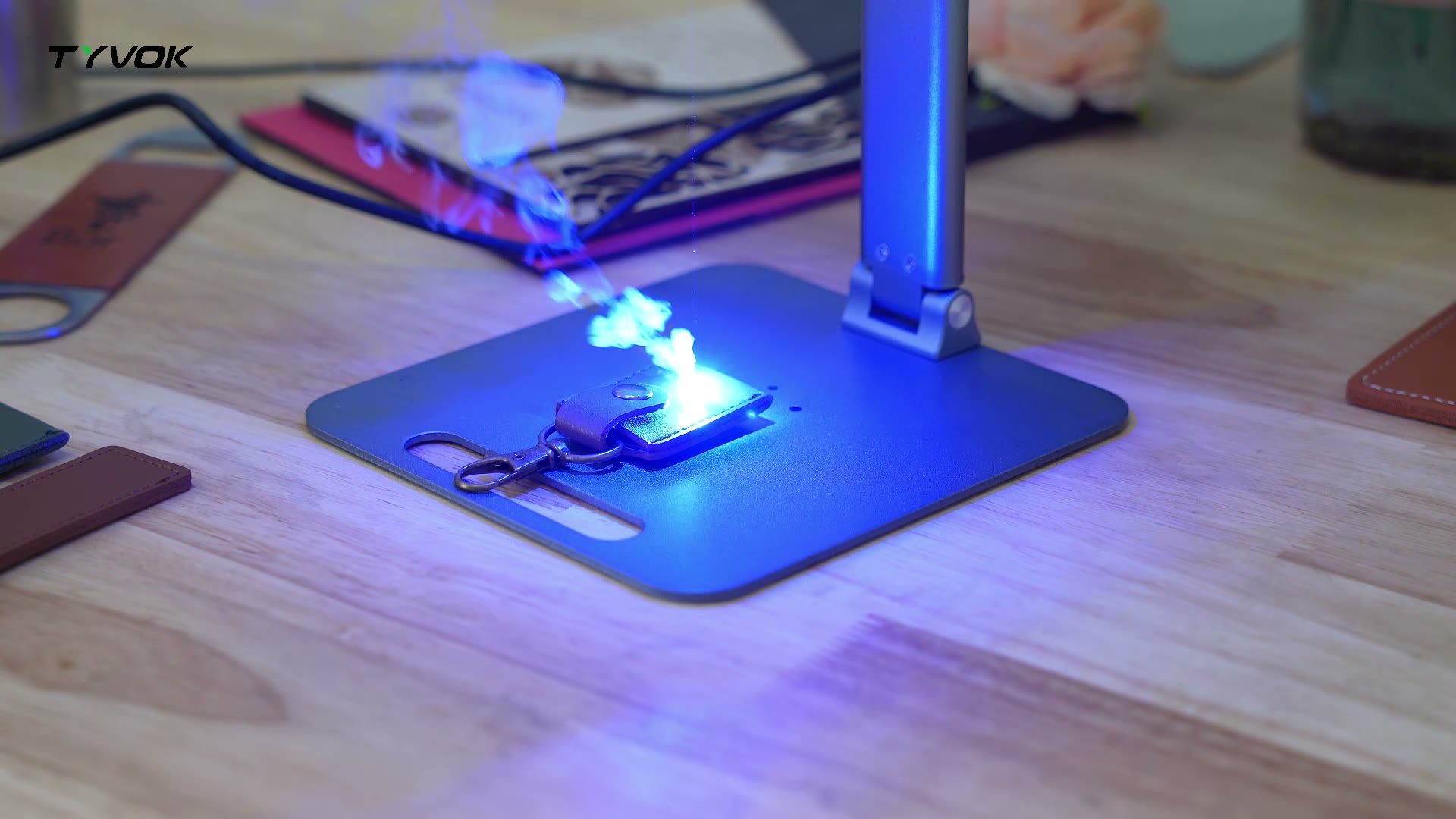
Import the SVG, confirm scale and color layers, then run one material test before production.
Commercial use path
Use the free tool for quick jobs, use the paid pack for repeatable styles
The free generator helps you finish one batch quickly. The paid pack adds three polished SVG style sets, sample guest CSV, production notes, and commercial-use terms for finished physical products.
Best for
Etsy sellers, event gifts, local wedding orders
Output
Batch SVG sheet with cut and engrave artwork
Software
LightBurn, xTool Studio, EZCAD-friendly imports
Proof needed
One small material test before the full guest list
Need a specific style?
Ask for a custom wedding SVG batch layout
Use the contact page if you need a layout for acrylic, wood, leather, tent cards, table numbers, or a specific machine workflow.
Contact for a pack
Want to inspect the file first? Download sample SVG.
FAQ
Before you export a wedding batch
What file does the generator export?
It exports an SVG sheet with place card outlines and engraving artwork. Import it into your laser software at 1:1 scale.
Can I paste a long guest list?
Yes. The tool builds a batch sheet from pasted names or imported CSV/TXT files. Preview the sheet before exporting.
Do I still need a material test?
Yes. Test one card first to confirm kerf, smoke marks, text size, score lines, and final fit.