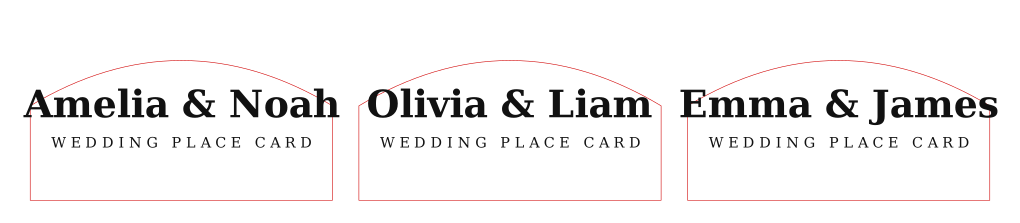
Start with pet tags on coated metal
Use a small SVG batch first, test text contrast and hole placement, then decide whether the current machine is enough for repeat orders.
Machine fit guide
Pick a product, material, and batch size below. SpiderMake turns it into a practical test plan before a user buys, upgrades, or promises delivery.
Start with a real job
Choose the product, material, and batch size. Then start from the SVG tool and run one material test before buying, upgrading, or listing the product.
You came from an exported SVG. This recommendation is focused on the production risk for that job.
Use a small SVG batch first, test text contrast and hole placement, then decide whether the current machine is enough for repeat orders.
80 x 80 mm is enough for one or a very small pet tag test. 400 x 400 mm is better for repeat batches.
Run a power and speed test card on the exact blank, then engrave one tag before a customer batch.
If small text is not readable or repeat batches take too long, compare machines by detail, work area, and repeatability.
Prioritize readable fine text, stable focus, repeatable positioning, and a work area that fits the expected batch.
Can it mark the actual material, keep detail at final size, and repeat the same result across the batch?
Best when the user needs readable small text, stable focus, and a quick first material proof.
Make one finished sample before treating machine specs as a buying decision.
The sample is readable, repeatable, and fast enough for the expected batch.
The result fails on detail, work area, material contrast, or repeated positioning.
A finished sample on the exact material at final size.
Use this as the short decision checklist before buying, upgrading, or promising customer delivery.
Enough room for the final product and a realistic first batch.
Readable text, stable borders, and clean small artwork at final size.
A finished proof on the exact blank, coating, or card stock.
Repeat positioning and setup time must match the expected order size.
Export one SVG, run one material proof, then compare machines only by the step that fails.
Sales-ready note
Use this when asking TYVOK or a workflow partner which laser setup fits the product proof.
Product paths
Each project below links the file-prep tool to the first machine test a user should run.
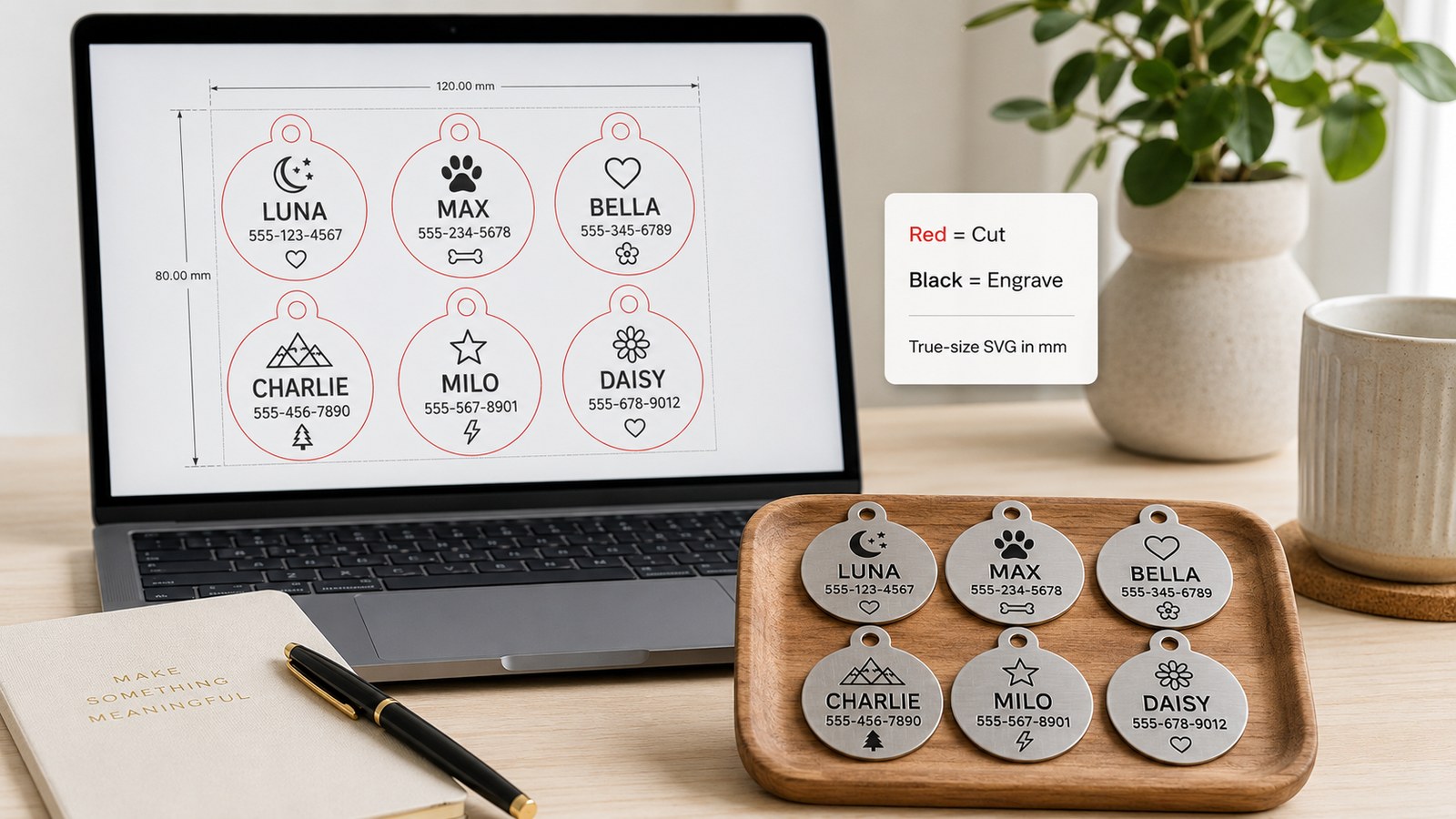
Good first product because the customer value is clear: name, phone number, outline, and hole position.
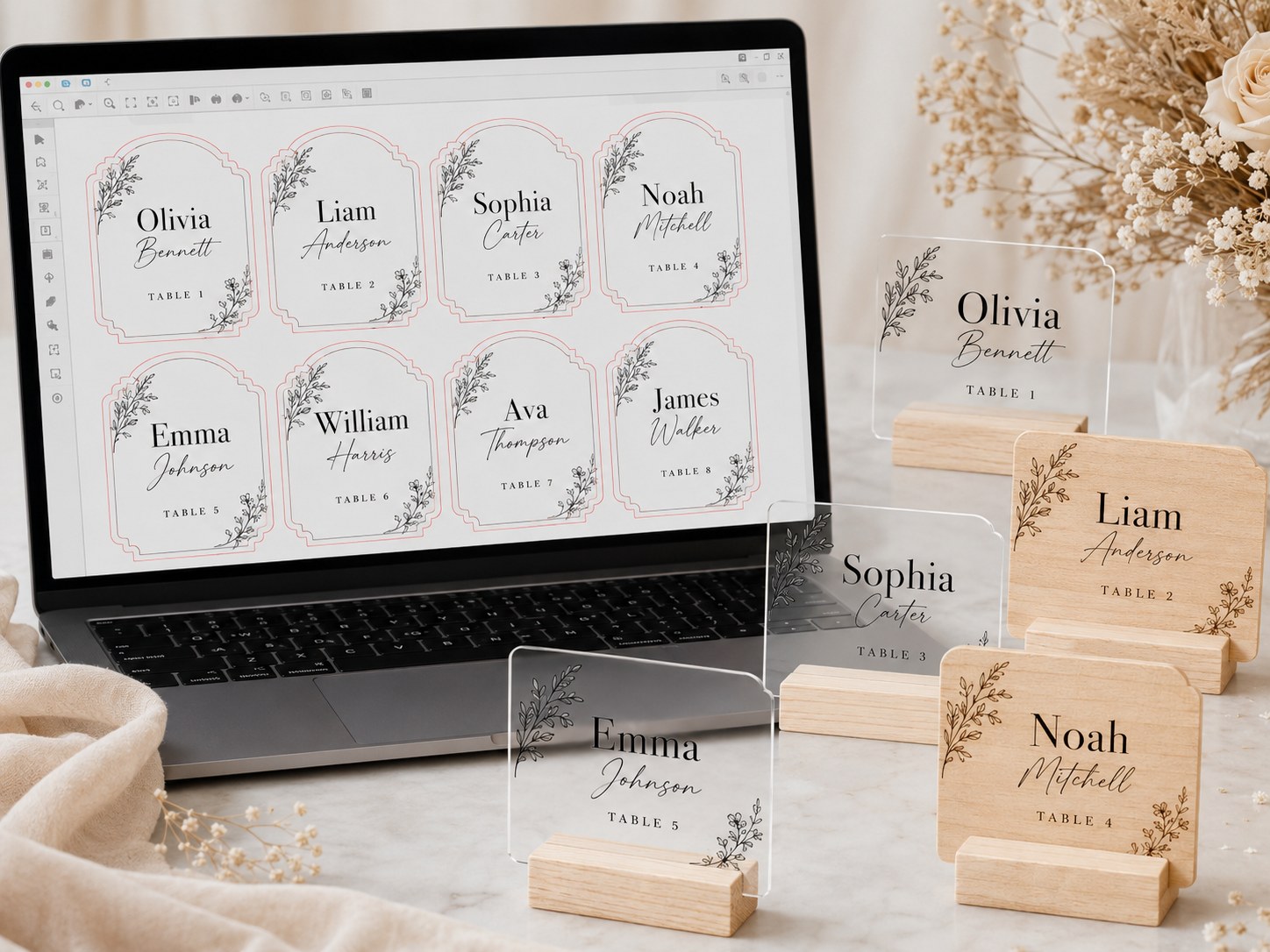
Best when users want larger batches from a guest list and need a workflow that avoids hand-placing every name.
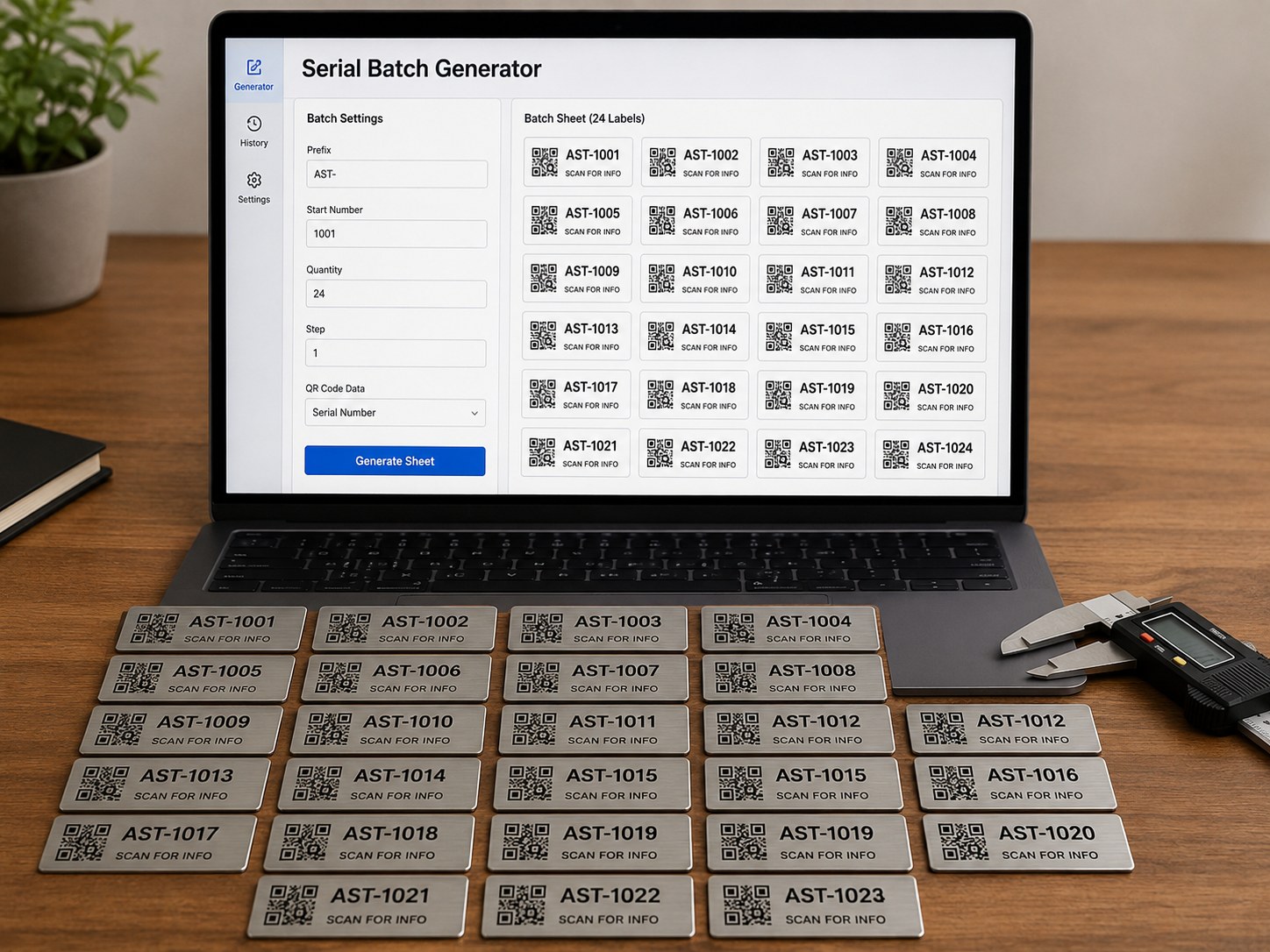
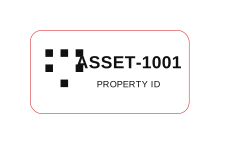
Useful for tool rooms, storage bins, inventory, and asset tags where repeatable marking matters.
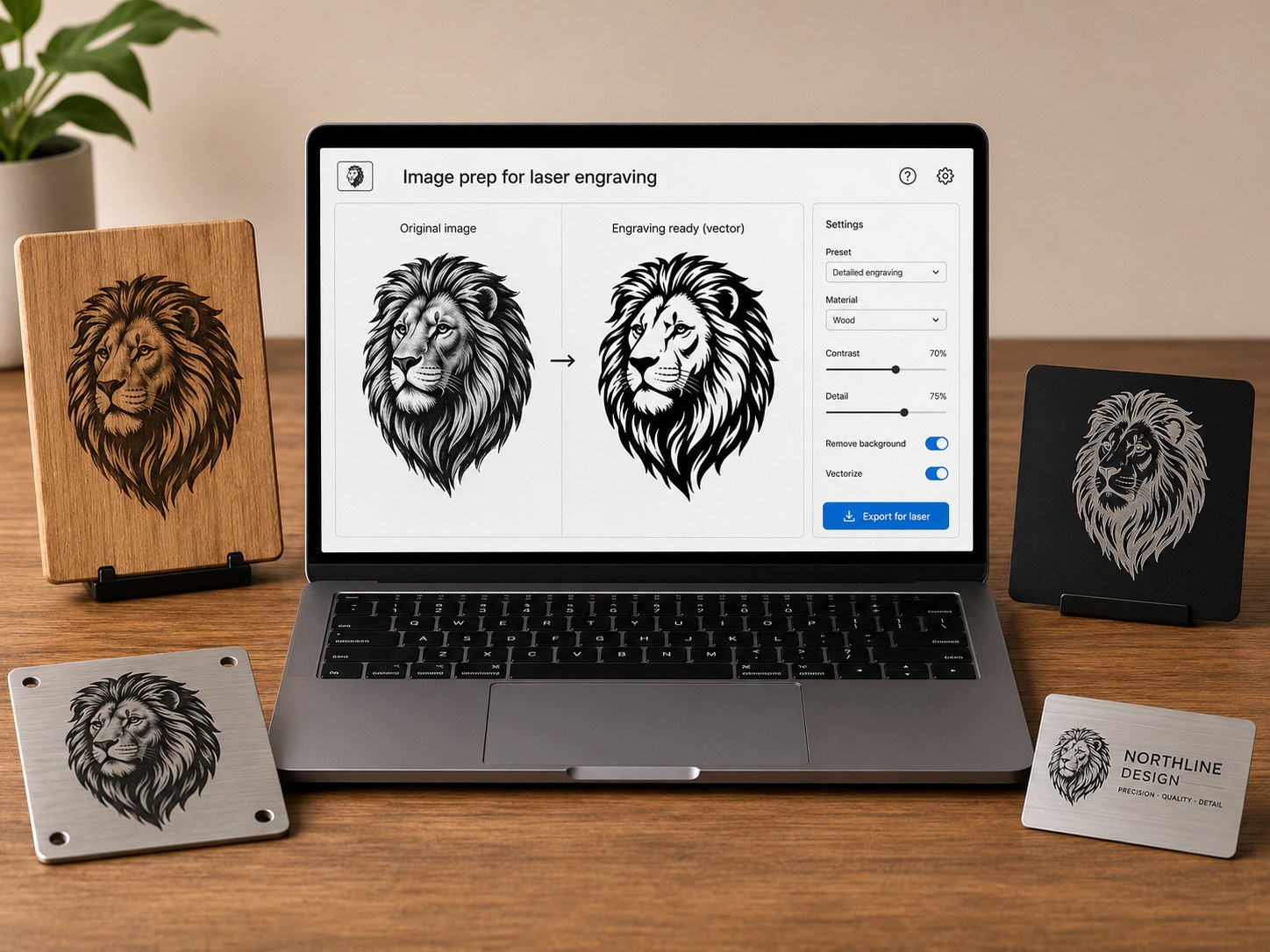
Good for users testing how a mark looks on packaging, coasters, signs, boxes, or sample boards.
Before buying or upgrading
A useful laser decision starts with a finished sample, not only a spec sheet. Prepare a file, import it, test the material, then compare whether the result matches the product you want to sell.
Does the machine fit the item or batch size you want?
Can small text, QR codes, and logos stay readable?
Does the result look good on your actual blank or coated surface?
Can you make the same result again for customer orders?