What buyers get
- Bone, round, and shield pet tag batch SVG sheets
- Sample CSV order file for personalized names and phone numbers
- Starter settings notes for metal, acrylic, and leather tags
- Commercial-use license for finished physical products
Commercial SVG pack
A ready-to-sell starter pack for personalized pet tags: three batch SVG sheets, sample order CSV, settings notes, and a clear commercial-use license.
Want this pack for your current tag workflow? Request an order step and we will help with the next step.
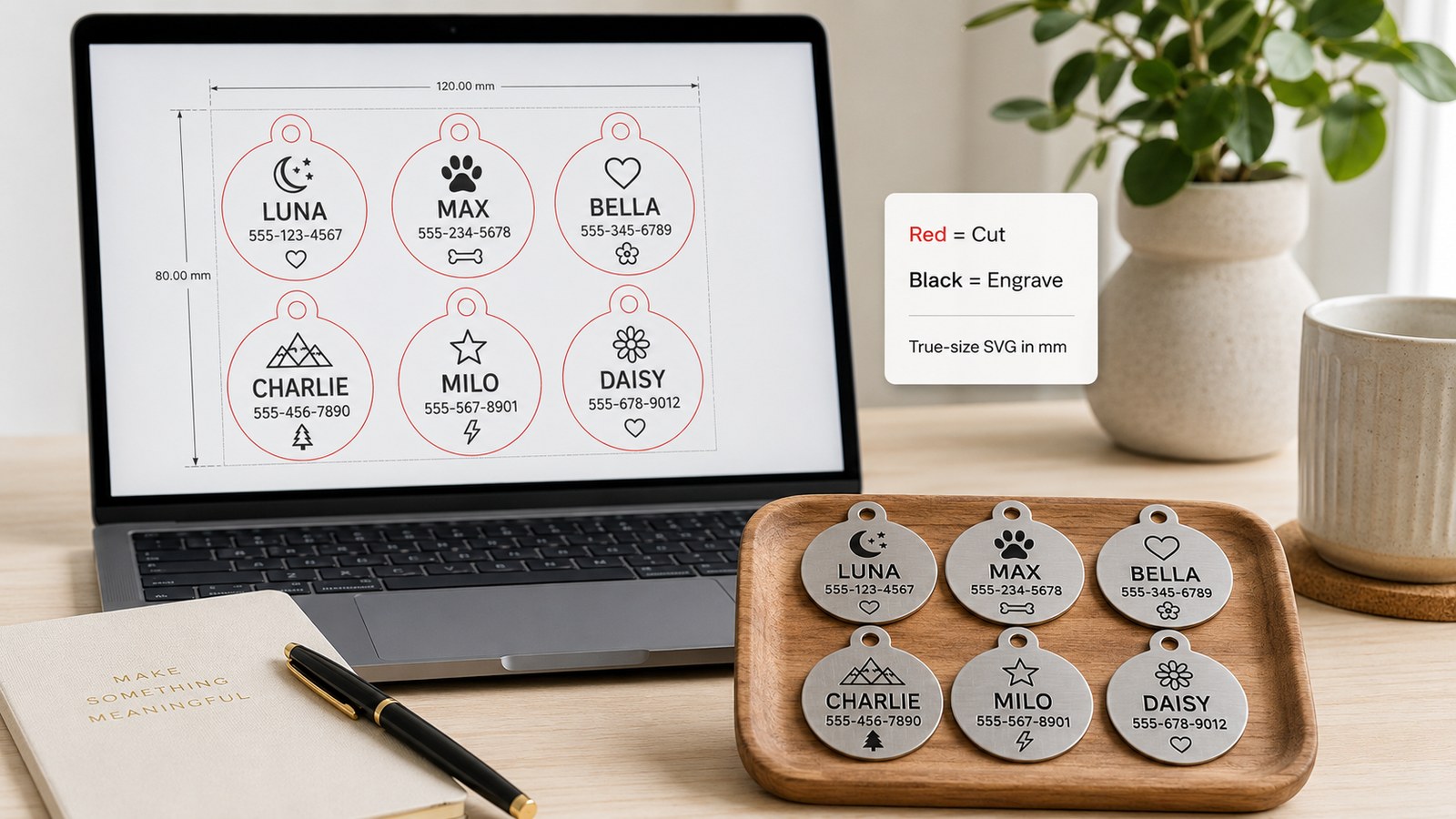
The source files are SVG and are designed for LightBurn, EZCAD-compatible workflows, xTool Studio, diode, CO2, and compact galvo setups. Always confirm scale and run one material test before production.
The delivery ZIP includes SVG batch sheets, a sample CSV, settings notes, README, and license terms so you can inspect the files before using customer blanks.
Buyer fit
Before you buy
Each SVG sheet separates red outline strokes from black marking text so the workflow is easy to inspect.
Open the SVG at 1:1 scale, confirm line colors, then assign cut and mark settings inside your laser software.
Run one blank tag first to confirm contrast, phone number readability, hole placement, and coating behavior.
Actual file previews
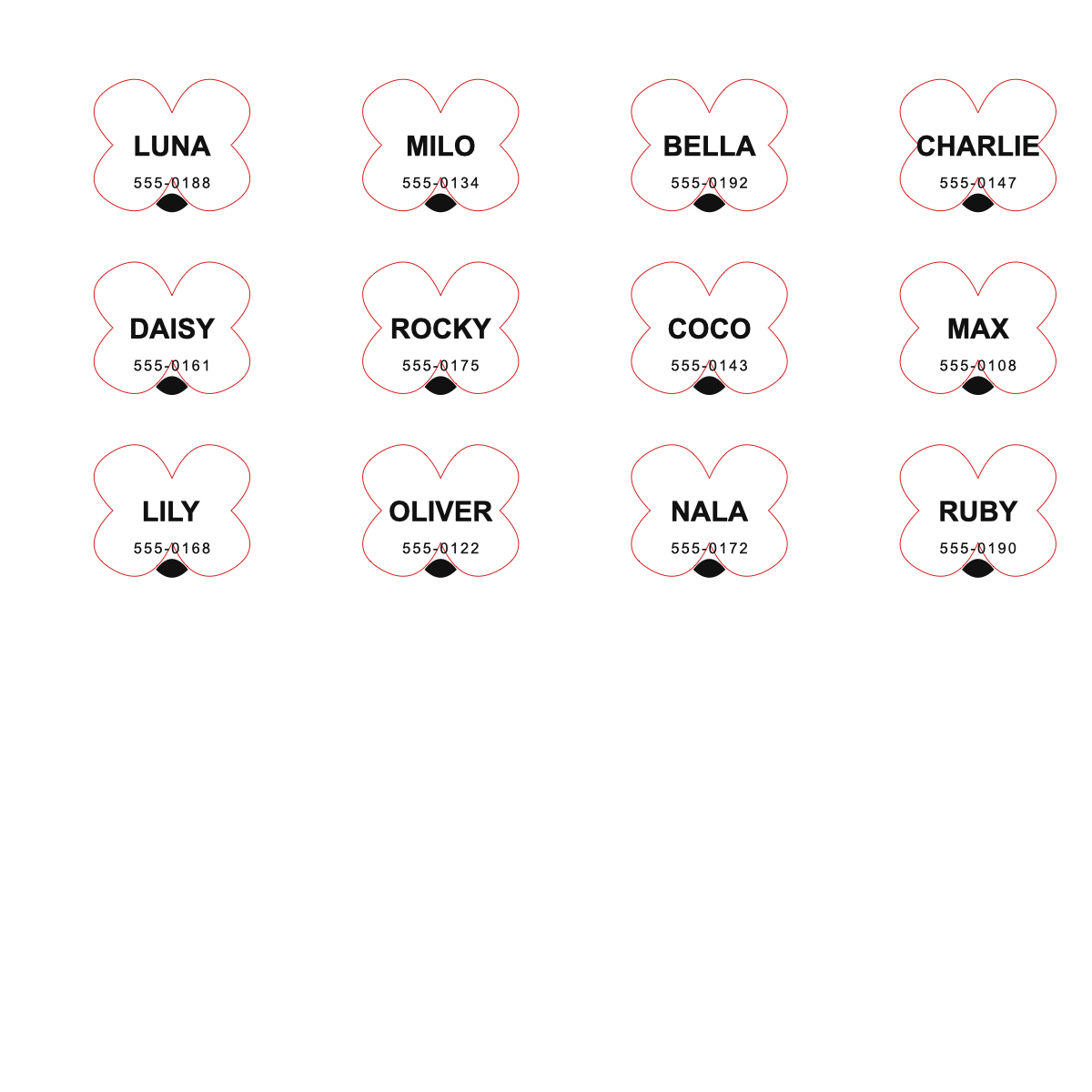 Bone tag batch
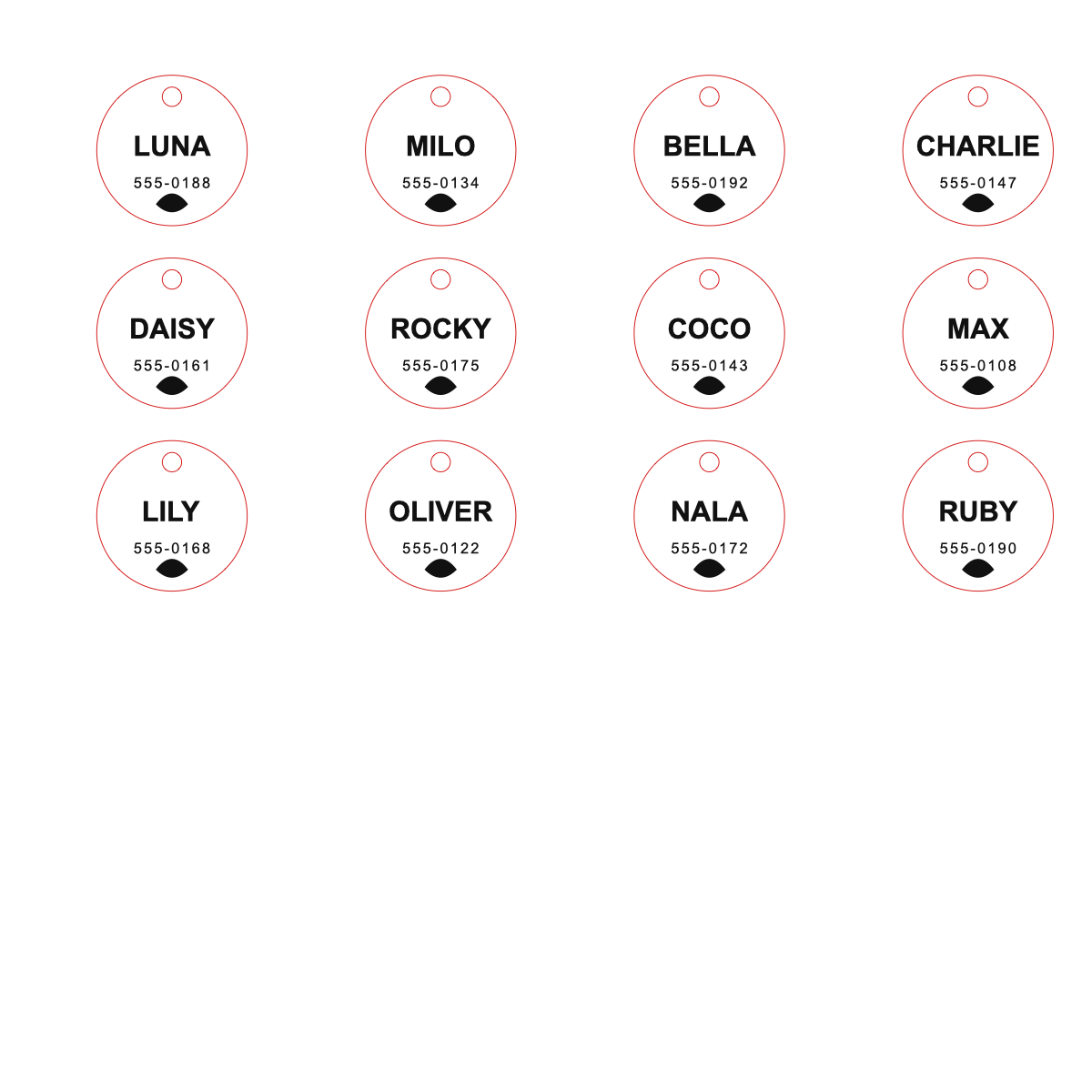 Round tag batch
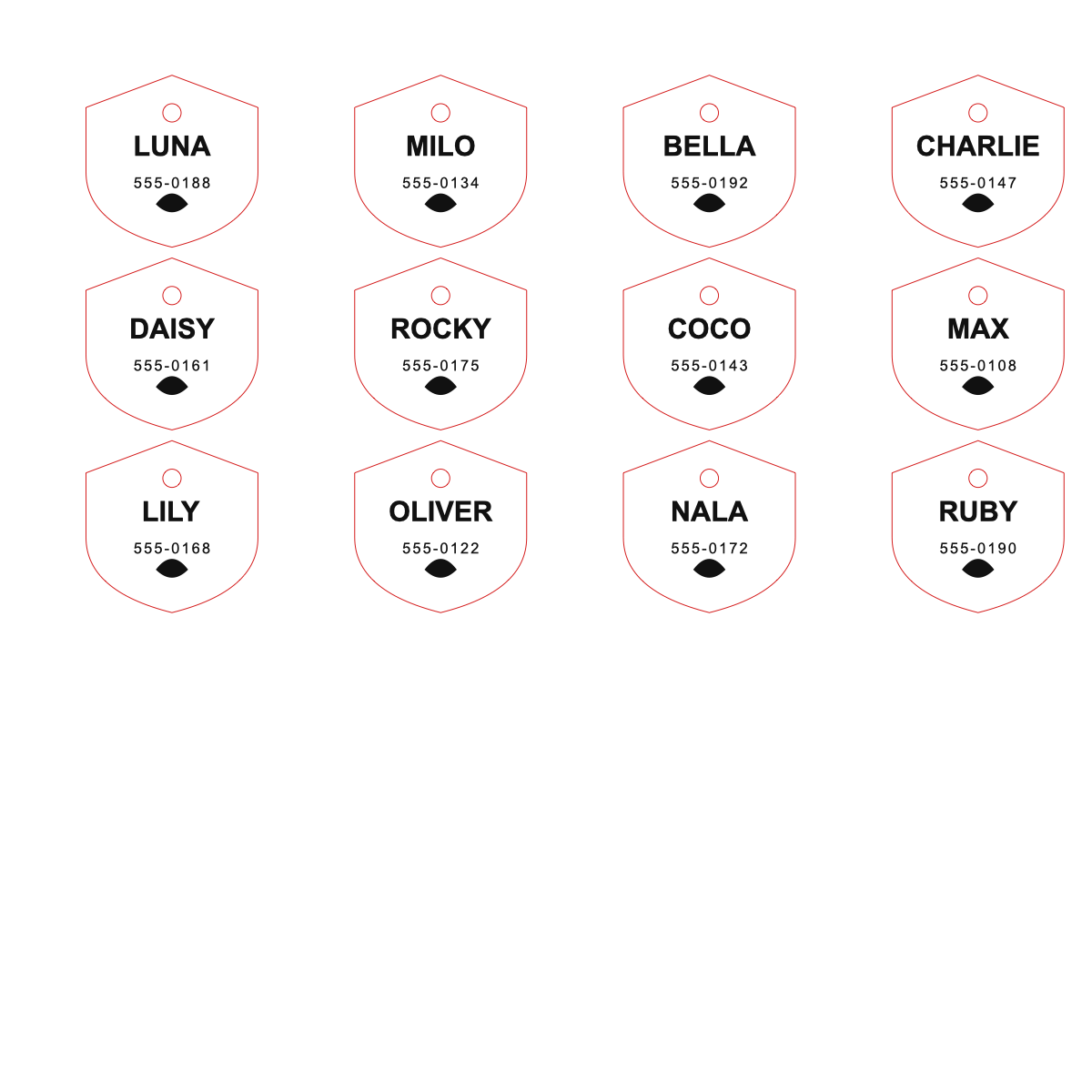 Shield tag batch
svg/pet-tag-bone-batch.svgsvg/pet-tag-round-batch.svgsvg/pet-tag-shield-batch.svgcsv/pet-tag-sample-orders.csvsettings/pet-tag-starter-settings.mdQUICK_START.md and TROUBLESHOOTING.mdREADME.md, LICENSE.md, and MANIFEST.mdLicense terms
Sell finished physical pet tags made from these layouts.
Do not resell, share, upload, or redistribute the source files.
If a file does not open, the support path is replacement file or refund after review.
Use the free generator for custom batches, then keep this pack as proven starter layouts.
Buyer protection
The ZIP includes MANIFEST.md so you can compare delivered files with the promised SVG, CSV, notes, README, and license.
If a download is missing or a file will not open, send the product name, checkout provider, order ID, and file name through support.
The first support path is a replacement file or corrected download. If that does not solve the issue, review the refund policy.
FAQ
Yes. The license allows selling finished physical pet tags. It does not allow reselling or sharing the source SVG files.
The files are SVG and intended for common import workflows. Always import at 1:1 scale and assign your own cut or marking settings.
Yes. Run one blank tag first to check readability, contrast, hole placement, coating behavior, and final size.
The pack is delivered as a ZIP file with three SVG batch sheets, one sample CSV, settings notes, README, and license terms.